What do you get out of putting your name on your photos?
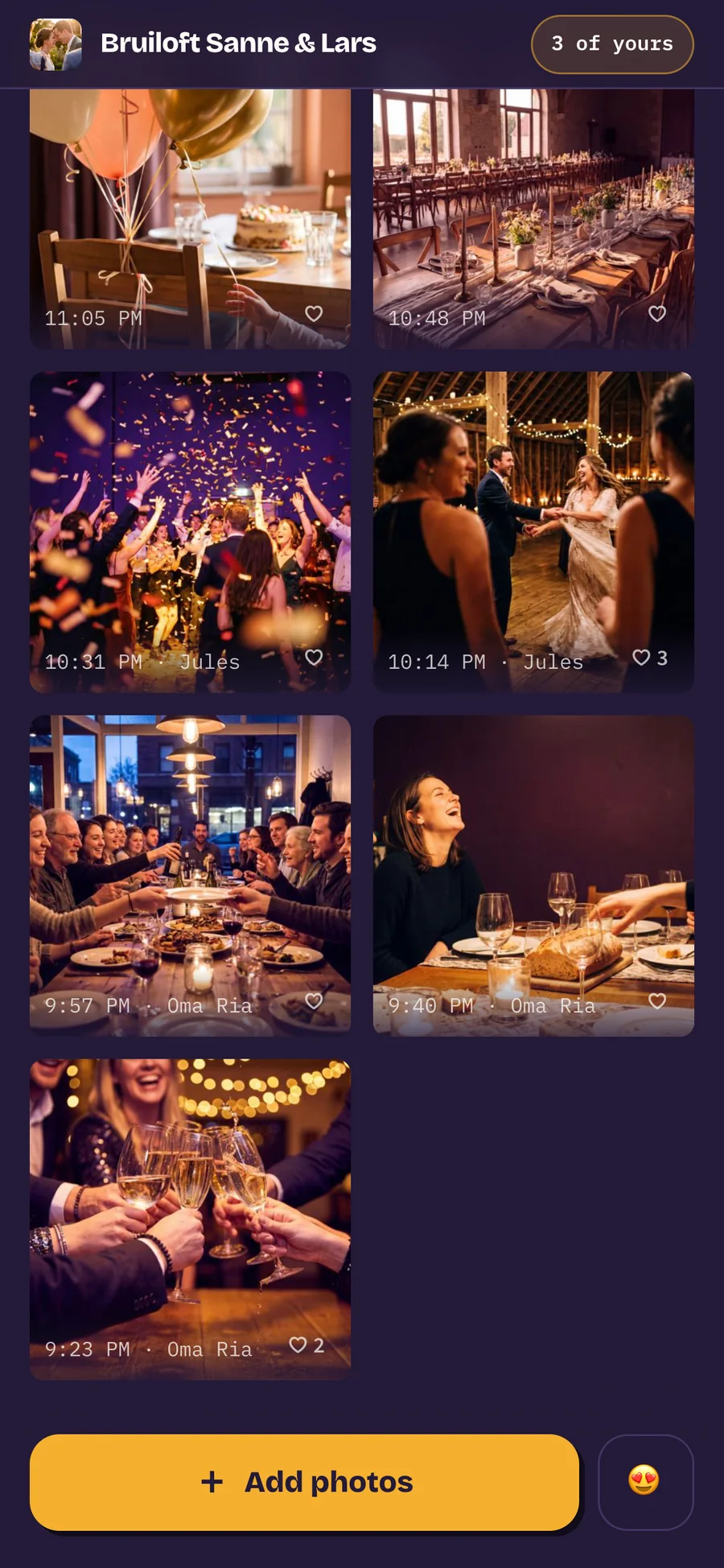
You can put your name under your uploads, and it is one tap on the panel you get once your photos are in. It is not required, but it turns a pile of files into an evening with people in it.
the short answer
Being findable. Your name sits under your photos next to the time, so the couple can see who caught that one shot of grandad and can actually thank you for it. For the organiser it is the difference between two hundred loose files and an album where they recognise their guests. Filling it in is one tap, afterwards, and leaving it empty keeps you anonymous: that stays a perfectly good answer.

What ends up under your photo?
Your name, next to the time you added it. Nothing more: 1:01 PM · Fleur. Guests who filled in nothing get the same line with only the time, and the two sit happily beside each other in the same roll.
That small difference does more than you would expect. An album without names is a pile of files in time order; an album with a name here and there reads as an evening people were at. You can see that Oma Joke took the group photo and that Yara was on the dance floor, and you hear a voice with it.
It also carries forward to whatever you send next. Add five more photos from the taxi at two in the morning and your name is already on them, without being asked again.
Why are you only asked after you have uploaded?
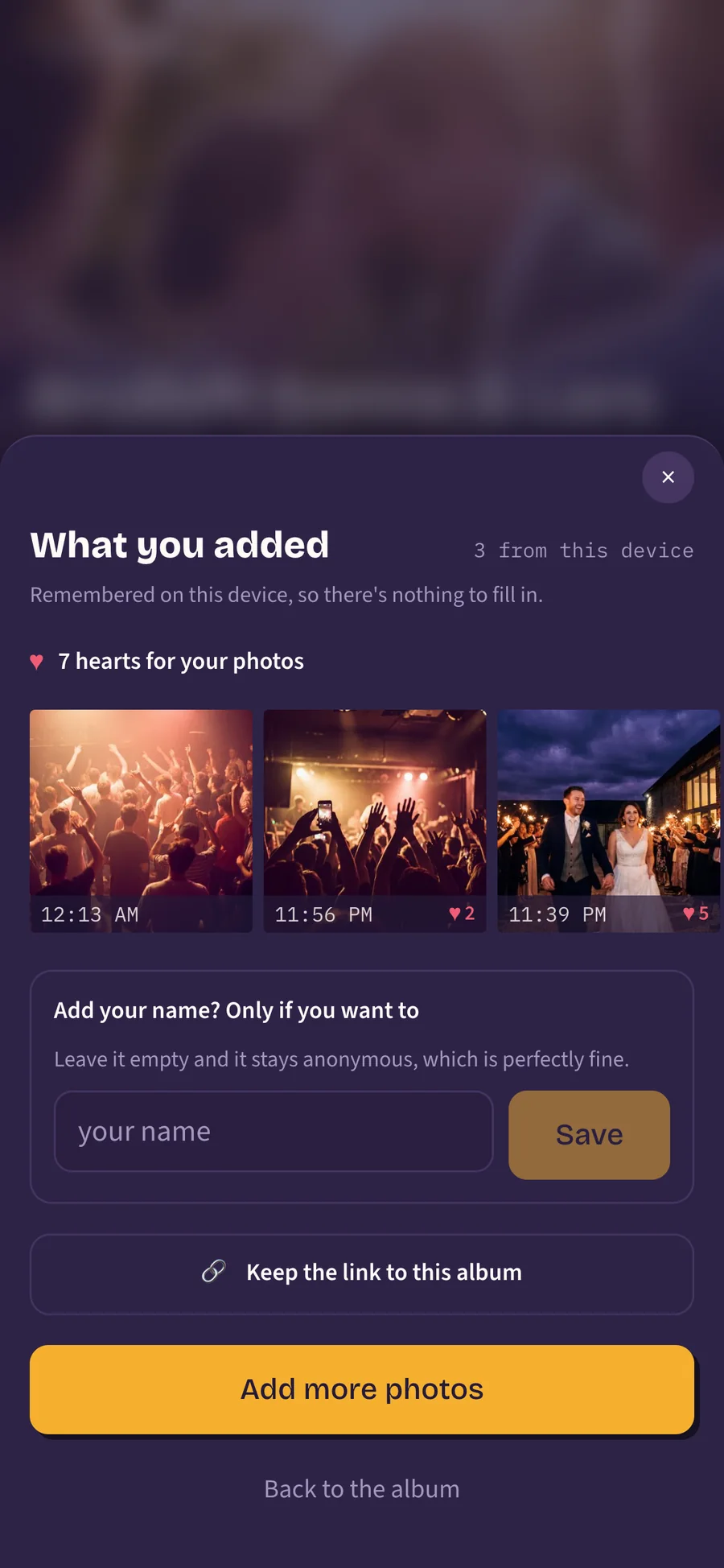
Because uploading itself has to stay one tap. Somebody scanning a QR code with a drink in their hand picks three photos and presses a button; a field in front of that costs you exactly the guests who would otherwise have uploaded, even with optional written next to it.
So the question lives on the panel you get once your photos are in. It shows what you added and how many hearts your photos collected, and at the bottom it asks whether you want your name on them. By then it costs nothing, because you are already done, and you can see where it will end up.
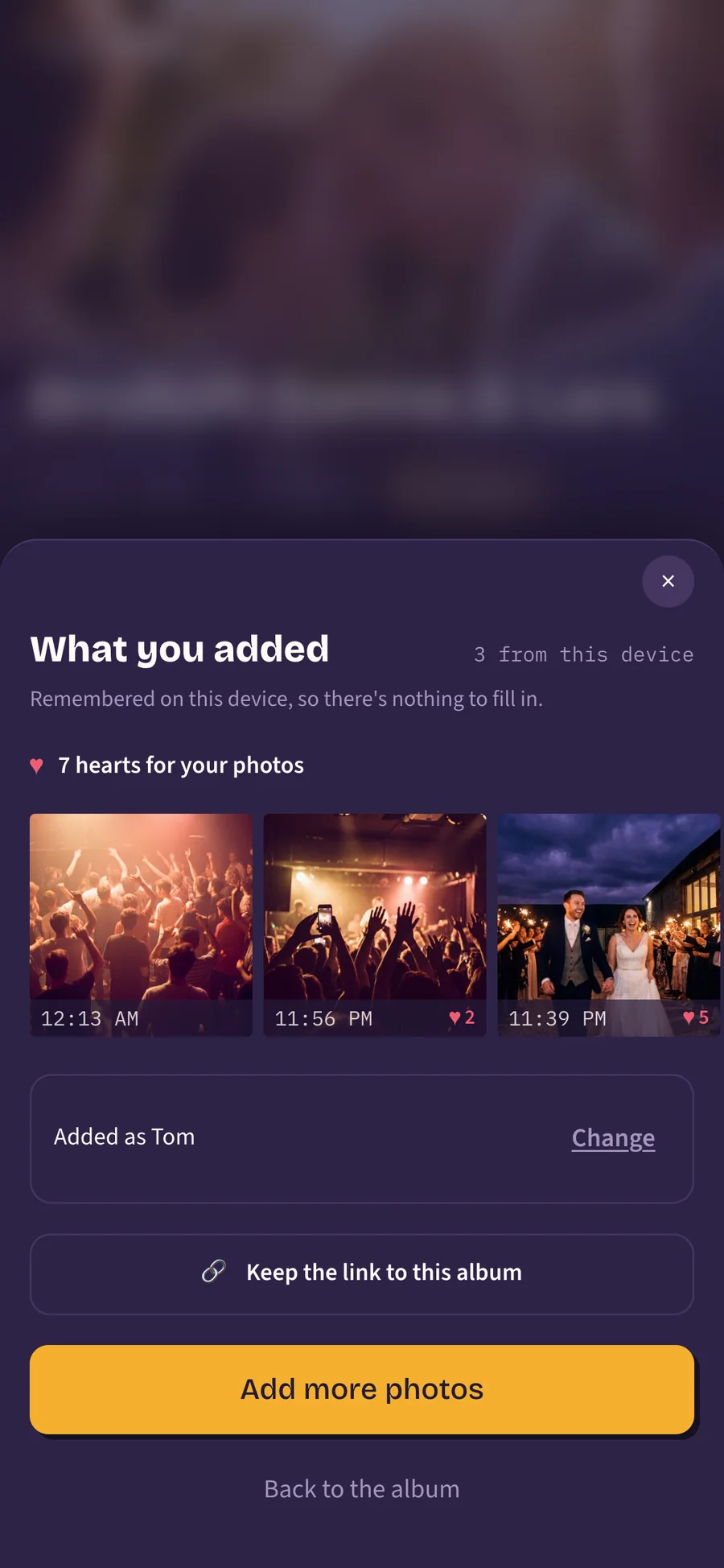
Fill it in and the panel turns into a single line: added as Tom, with a small button to change it. So it stops asking about something you have already answered, and the device remembers, which means there is nothing to redo tomorrow morning.
What does the organiser get out of it?
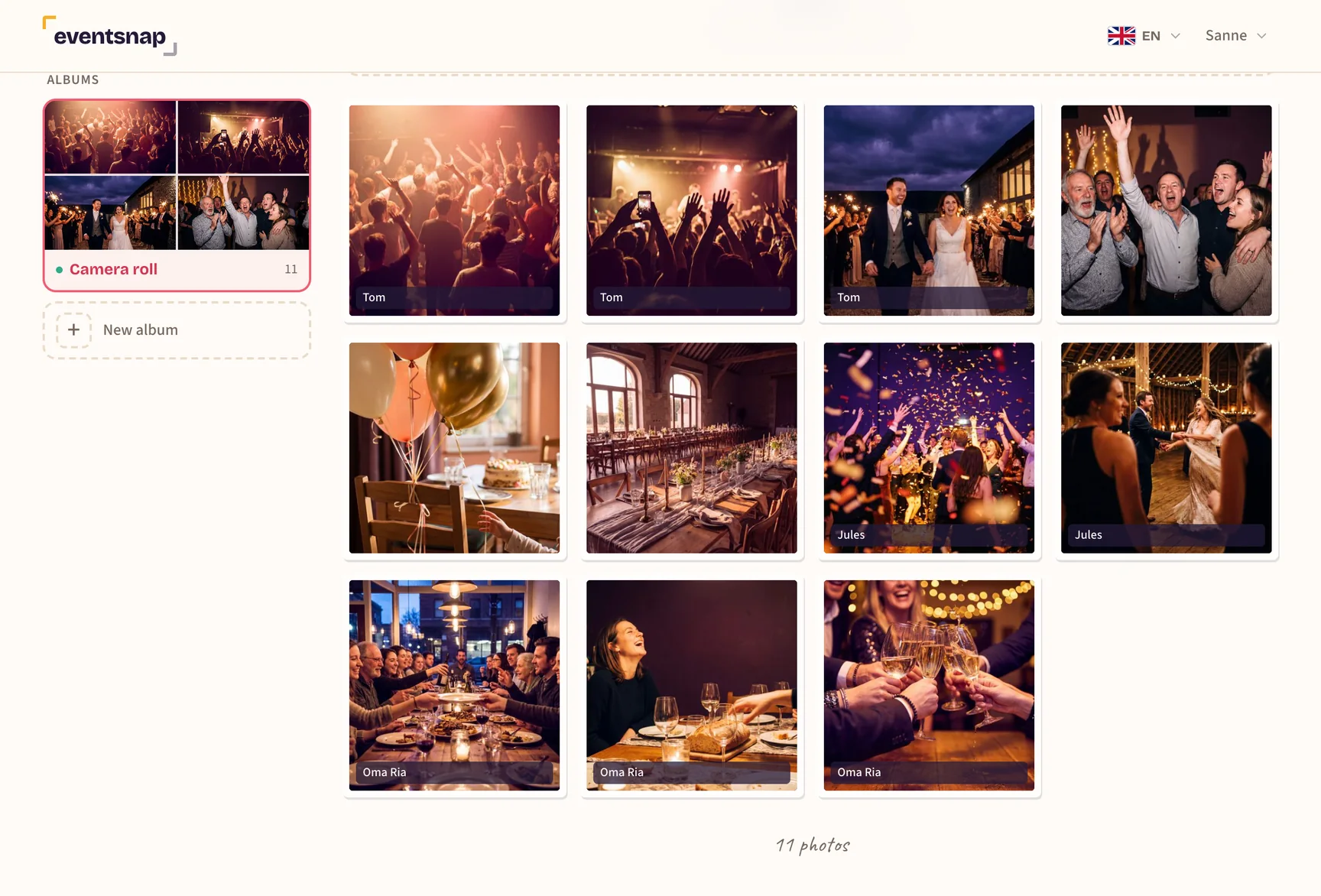
Mostly this: thanking people suddenly has an address. After a wedding or a company party there are always a few photos in there that are better than all the rest, and with a name underneath you know who to message about them. It is the nicest message you can send that week.
It also helps with the practical work. With approval switched on the same name sits under the photo in the queue, which helps most at a party where you do not know everybody. And if something does have to come out of the album, that is one conversation with one person rather than a photo that quietly disappears. How that works is in removing a photo that does not belong.
What it is not is a register. There is no overview of guests who uploaded nothing and there cannot be one: uploading takes no account, so there is nobody to be missing.
What is kept about me if I fill it in?
The letters you typed, and nothing else. No email address, no phone number, no account, because the page never asks for one. You get sixty characters, so a first name and a table number fit comfortably.
That your device remembers your own uploads is separate from all this: that runs on a random marker in your browser, whether or not you ever type a name. It is what your uploads hang off, so you can find your own photos again and take one back down. It is also why the name is one tap rather than a sign-in screen.
And you are not committed to anything. Change lets you edit it or empty the field, and your photos go back to being anonymous, including the ones from three hours earlier. For how long the album stays open after that, see how long the photos stay online.
Uploading without an account, with a name if they want one
Guests scan the QR code and add their photos. The name question comes afterwards and is one tap; anonymous stays the default. As the organiser you see who a photo came from the moment somebody fills it in.

Questions guests ask about this
Do I have to leave my name to be able to upload?
No, the field is optional and anonymous is the default. Your photos go in at the same quality either way.
Does my name then go on every photo I upload?
Yes, on everything you add to this album from this device, including what you send later that night. At another event you start out anonymous again: the name belongs to the album, not to you.
Can I still change it later?
Yes. Open the same panel, tap change and type something else, or empty the field to go back to anonymous. It changes on all of your photos at once.
Who sees my name?
Everybody who can open the album, so your fellow guests and the organiser. It sits under your photo next to the time, in the same place the photo itself is.
Can the organiser change my name?
Change it, no. What it says is what you typed, and there is no button anywhere that puts other words under your photo. Take it off, yes: they can remove the name from a single photo, for when it turns out to be somebody else's or no longer belongs there. Removing the photo itself is of course also an option.
Can the organiser see who uploaded nothing?
No. There is no guest list and there are no accounts, so there is nobody to be missing. What they see are photos, some of them with a name the guest typed in themselves.
Is this the same as a caption on a photo?
No. A caption belongs to one photo and says something about it; the name belongs to everything your device sent in. Using both is fine, and so is using neither.
We have approval switched on. Does a name help there?
Yes, because the same name sits under the photo in the queue. It helps most at a company party or a club, where the organiser does not know everybody. More on that in GDPR: photos of members and children.
Read next
One album, and a name on it if the guest wants one
You see your page before you pay. One payment, no limit on guests.