sharing photos at your wedding
Your wedding photos, including the ones uncle Henry took
Your photographer captures the day as he sees it. Your guests capture what he could not see: the nerves before the first look, the tears during the speech, whatever happened on the dance floor at half past midnight. One card on the table brings all of it in, the video of the speeches included.
€34.95 one-off · unlimited guests · 180 days online


the day as your guests saw it
Four moments, four albums
There is nothing to sort. You create the albums up front and your guests pick where their photo belongs.
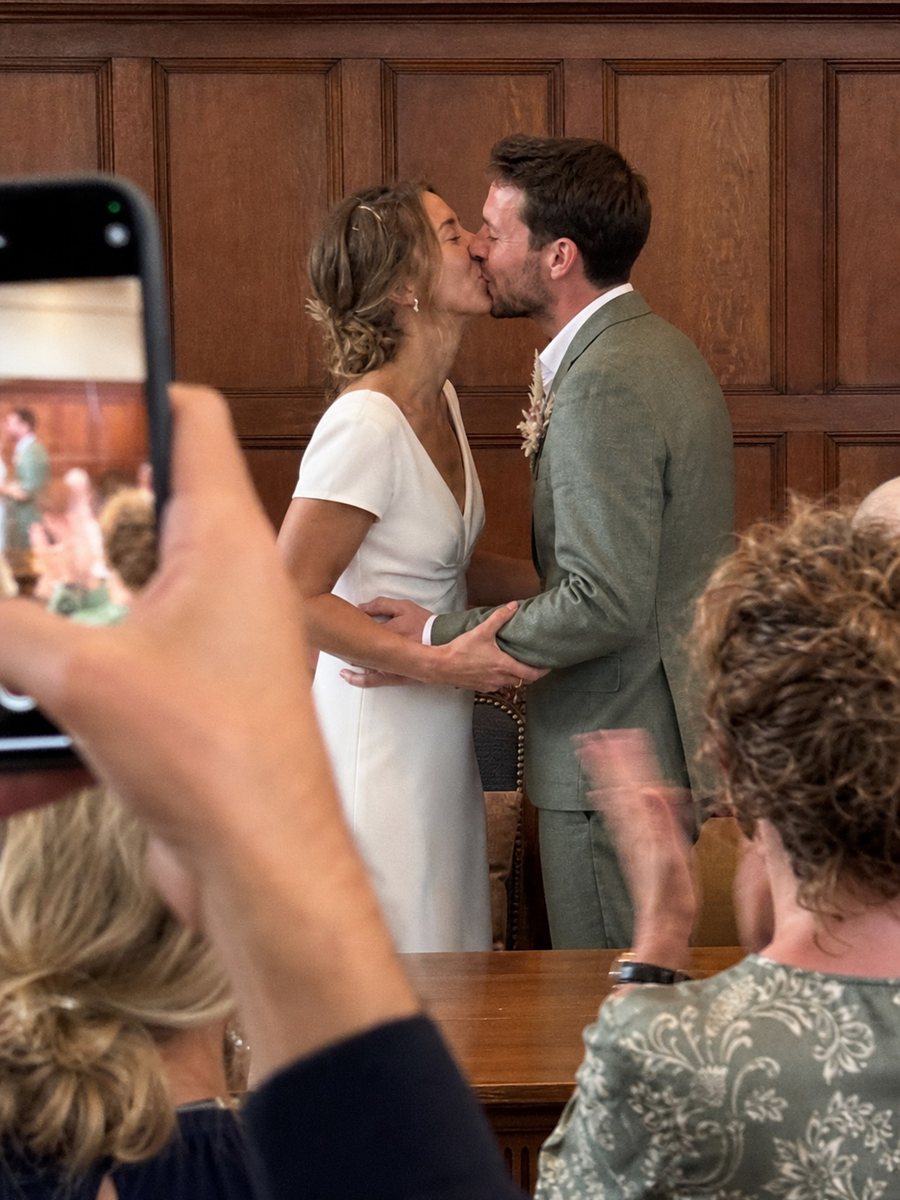
The wedding room, the chairs, the moment of the vows.
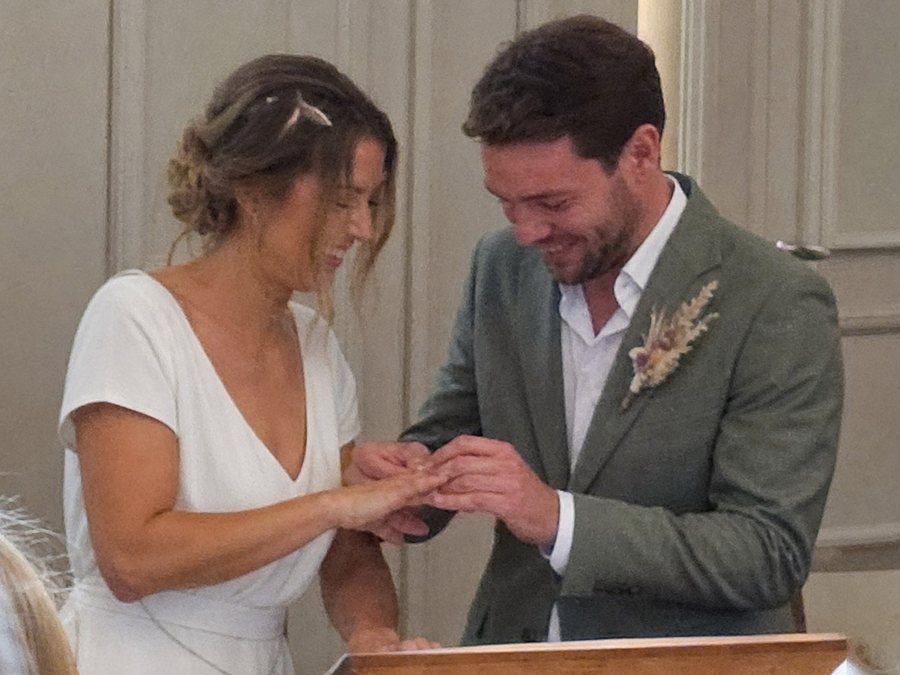
The details your photographer takes too, only closer up.

The tables, the speeches, who sat next to whom.

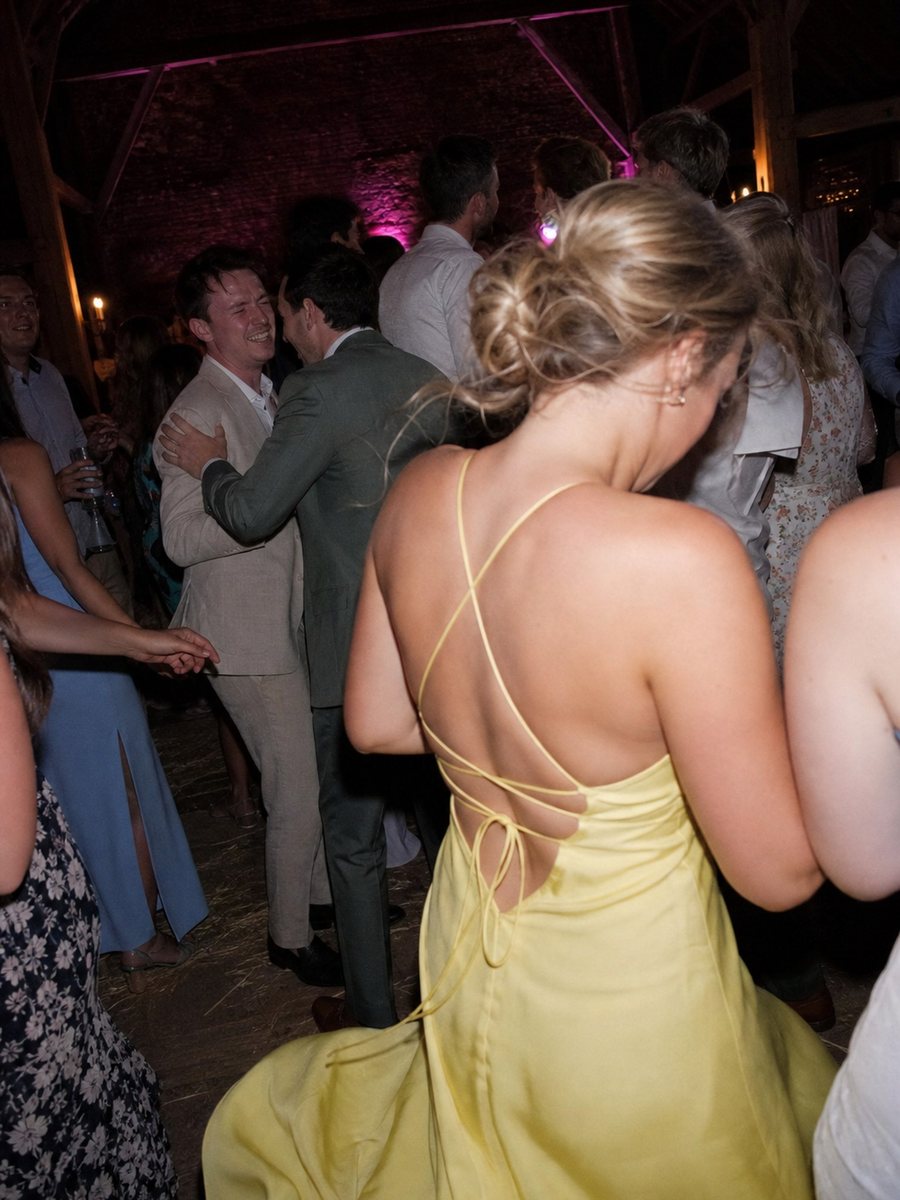
After midnight, once the photographer has gone home.


What you set differently for a wedding
The same features as any other event, but with these settings your page is right from the start.
Reveal on Sunday
onOne album stays closed until a moment you choose. Over Sunday coffee everyone looks at once, instead of it trickling in all night.
Approval
offAt a wedding you know your guests. Photos go straight into the album and you can always remove something afterwards. If you would rather see them first, you switch it on.
180 days online
PremiumPlenty for the thank-you cards, the photo book and the first time you show it to your parents. If you want longer, you extend it yourself from your dashboard.
the screen your guests get
What a guest sees after scanning the card on the table
No app and no account. They scan the QR, see your names, pick an album and add their photos. That is all of it, even for someone who never installs anything.


This is the real guest screen, filled with a wedding's albums.
how to run it
How to collect every photo of your wedding, from card to album
The idea is simple: one code, every photo. What separates twenty photos from four hundred is five choices you make beforehand, and they are here in the order you meet them.
Start with the invitation, not the table
Most couples discover this a week before the wedding and print a few cards in a hurry. That works, but it can be better. Create the album as soon as the date is set: the QR code stays the same, so it can go on the save-the-date, the invitation and the welcome board. A guest who has seen the code before scans it on the day without thinking.
The album itself does not have to be open yet. You can keep it closed until the morning of the wedding, so an early scan shows only your names and the date. And as long as you have not published, your package's clock has not started either: the 180 days begin when you go live.
One card per table, and one sentence from the master of ceremonies
Put one card on each table next to the menu, not three. Add a second at the bar and a big board at the entrance. That is enough to get the code seen, but it is not what makes people scan. One sentence does that, out loud, once everyone is seated: if you take a photo, scan the card on the table and it will be on the screen tonight.
That screen is the other half of the trick. Run the slideshow on the television in the room or on the projector, and every photo that comes in appears there. Whoever sees their own photo appear sends three more. Whoever is at the next table picks up their phone.
Four albums, and one that stays closed until Sunday
You do not have to sort anything, but at a wedding it pays off. Create an album per moment in advance: the ceremony, the drinks, the dinner, the party. Guests pick where their photo belongs as they upload, and you sort nothing afterwards. The package this page names lets you make 10.
One album can stay closed until a moment you choose, say Sunday at noon over coffee. Guests can upload into it, but nobody sees what is inside until you open it. Then everyone looks at once, instead of on Saturday night in the bathroom.
Half of it arrives in the week after
The photos from the party itself are in by Sunday morning. The rest come in the days after, when people scroll through their phone on the train and find that one photo of the first dance after all. So leave the album open for at least two weeks, and after a week send one message in the group chat with the link. That message usually brings in more than the whole evening.
Your photographer can join too. They get the same link as the guests and add their selection when it is ready, at full resolution. Then everything from the day is in one place, and you download it as one zip, neatly per album.
What it costs, and what your guests pay
The package this page names costs €34.95, once, for 180 days. There is no limit on the number of guests and none on photos per guest; there is a limit per file of 1.1 GB, plenty for photos and most videos. Your guests never pay anything and install nothing.
You can try it free first, with a real album and real cards, no payment details. And if it does not work on the day, you get your money back: fewer than ten guest photos a week after the wedding, and we mail you.
What couples ask us
Will older guests manage this?
Yes, because there is nothing to manage. They scan the QR with the ordinary camera on their phone, pick photos and tap send. No app, no account, no password. In practice the card on the table is explanation enough and you need to announce nothing.
Can our photographer use this too?
Yes. He gets the same link as your guests and can add his selection later, at full resolution. Useful if you want one place where everything lives: his photos and the ones from the table at the back.
What if something is in there we would rather not have?
You remove it with one tap, even once it was visible. If you would rather check first, switch approval on and nothing enters the album until you have seen it.
How long do the photos stay up?
180 days, counted from the moment you publish rather than from your order. In that time you download everything in one go, and if you want longer, you extend it yourself from your dashboard by 3, 6 or 12 months.
Can we put the QR code on the invitation already?
Yes. The code stays the same from the moment you create the album, so it can go to the printer months ahead. Anyone who scans it early sees your names and the date, and can leave a photo of the preparations. If you would rather not, keep the album closed until the day itself.
How many photos does this produce with a hundred guests?
That depends on two things: whether the card is on every table, and whether the screen in the room is on. With both in place, roughly half your guests join in, and those who do send a handful to a few dozen photos each. With a hundred guests that adds up to a few hundred, and most of them arrive in the days after.
Can guests see each other's photos?
Yes, unless you set it otherwise. Anyone with the link sees the album as you published it: the open albums, with everything that has been approved. An album you keep closed until after the day is seen by nobody until you open it. Without the link there is nothing to see; the photos are never public.
Can we still change the album after the wedding?
Everything. Move photos to another album, remove one that does not belong, replace the cover with a photo from the day itself, or extend the whole event if 180 days turn out to be short. Whatever you delete waits in the bin for a while, so a slip is not a disaster.
Set your page up before the cards go to the printer
You can try it free first. The 180 days of your package start when you publish.
Fewer than ten photos from guests?
money back, we mail you